The motherboard is a key component that determines your computer's performance and capabilities when you construct or upgrade it. We'll go into the world of motherboards in this post, examining their importance, important characteristics, and how they affect your overall computing experience.
What is a Motherboard?
The main component of your computer, often known as the mainboard or system board, is the motherboard. The Central Processing Unit (CPU), Random Access Memory (RAM), Storage devices, and peripherals are all connected to and communicate with one another through this intricate circuit board. In essence, it serves as the framework for the rest of your computer to function flawlessly.
Key Components and Features
CPU Socket:
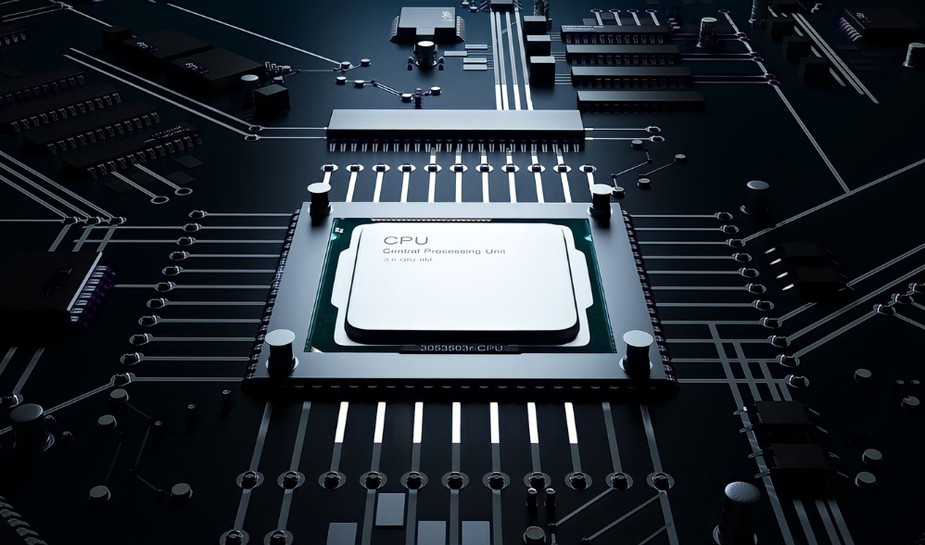
The CPU, or central processing unit, is mounted in the CPU socket on the motherboard. It's important to select a motherboard that is compatible with your CPU because different motherboards support various CPU socket types.
RAM Slots:
Motherboards come with numerous RAM slots that let you increase the amount of memory in your system. The type and quantity of RAM slots can have a big impact on how fast your computer runs.
Expansion Slots:
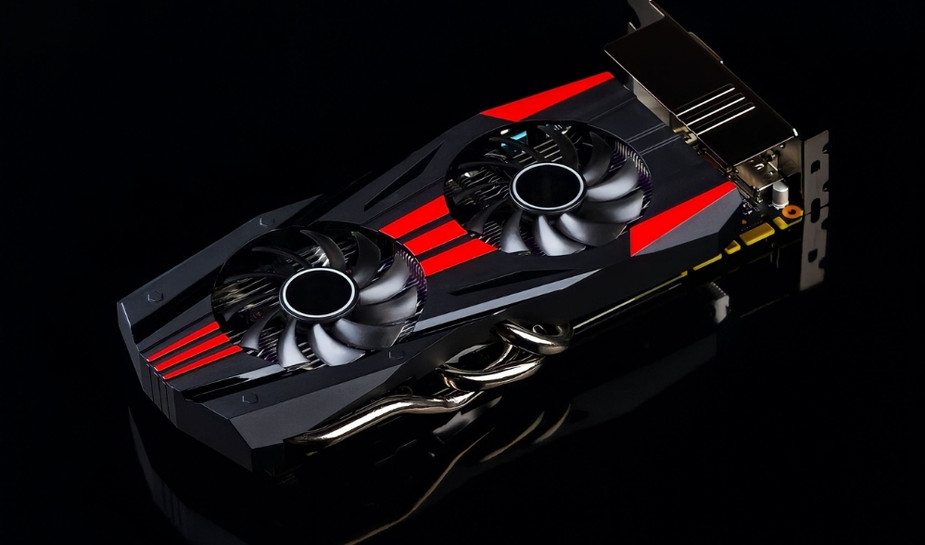
These slots let you connect a variety of expansion cards, including network adapters, sound cards, and graphics cards. When selecting a motherboard, keep in mind that the kind and quantity of expansion slots differ.
Connectors for Storage Devices:
Motherboards have connectors for storage devices, such as SATA ports for HDDs and SSDs and M.2 slots for fast SSDs. The ability of your system to store and retrieve data depends on the storage solutions that are available.
I/O Ports:
A motherboard's rear I/O panel has connectors for USB ports, Ethernet ports, audio jacks, and other peripherals and external devices.
BIOS/UEFI:
The motherboard's BIOS (or UEFI) firmware enables hardware configuration and boot process management. It is necessary for system optimization and maintenance.
Choosing The Right Motherboard
The proper motherboard to choose depends on your wants and spending power. In contrast to content makers, gamers may prioritize motherboards with several PCIe slots for graphics cards and large RAM capacities. Compatibility with your CPU and other components is another key factor to take into account.
ServerBlink's Motherboard Selection
If you're looking for a motherboard, ServerBlink has a variety of alternatives to meet your needs. Visit ServerBlink Motherboards to view their assortment of motherboards. They offer a selection of motherboards, including models for workstations, servers, and gaming systems.
Conclusion
In conclusion, the motherboard is the unsung hero of your computer, connecting and powering all its components. It's crucial to choose a motherboard that aligns with your computing needs and future upgrade plans. ServerBlink, with its diverse range of motherboards, can be a valuable resource in your quest for the perfect motherboard. To explore their offerings further, visit ServerBlink.
In the ever-evolving world of technology, selecting the right motherboard can make all the difference in ensuring your computer runs smoothly and efficiently. Make an informed choice, and your computer will thank you with top-notch performance and reliability.