

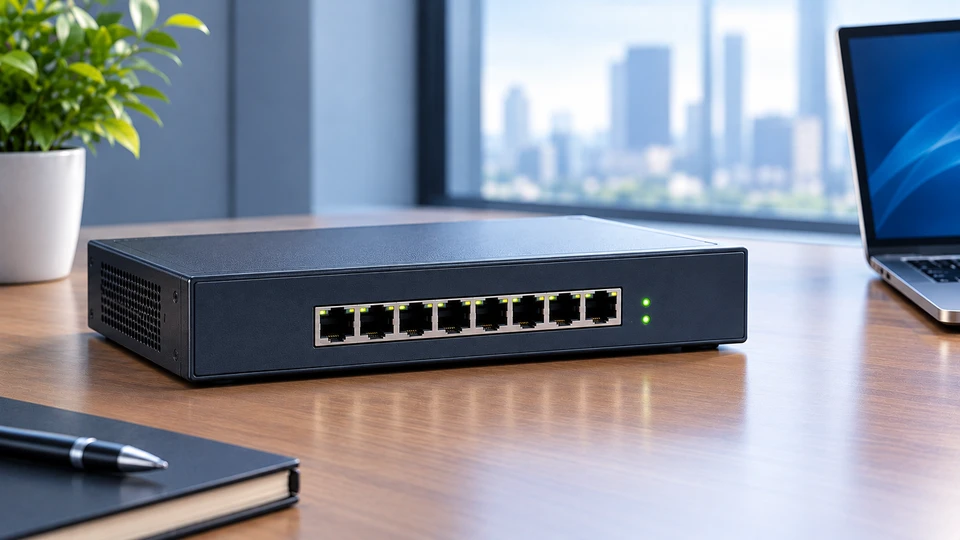
Network hubs sit near the start of almost every networking course, and for good reason.
Once you understand what a hub does with a signal, the behaviour of switches, routers, and even Wi-Fi starts making a lot more sense.
Understanding the Basics of Network Hubs
What Is a Network Hub?
A hub is a small box with several Ethernet ports that joins a group of computers into one shared network segment. It runs at Layer 1 of the OSI model, the physical layer. That single detail explains everything else about it.
A hub doesn't read MAC addresses, doesn't store frames, and doesn't decide where anything should go. An electrical signal comes in one port, and the same signal goes back out every other port.
Network engineers call this device a multiport repeater. That name describes the job far better than the word "hub" does.
Why Network Hubs Were Introduced
Early Ethernet ran over thick coaxial cable. One long wire snaked through the building, every machine tapped into it, and a break anywhere took down the entire segment. Finding that break was miserable work.
Twisted pair Ethernet, standardised as 10BASE-T in 1990, rearranged the wiring. Each computer got its own cable running back to one central point, and the hub sat at that point.
The electrical behaviour stayed the same as the old coax bus, but a single bad cable now killed one machine instead of the whole office.
Where Network Hubs Fit in Computer Networking
Among computer networking devices, hubs occupy the lowest rung. Repeaters extend a signal. Hubs repeat that signal to many ports. Bridges and switches read MAC addresses and forward traffic at Layer 2. Routers work with IP addresses at Layer 3. Each step up adds intelligence, and a hub has none of it. That's the whole point of studying it first.
The Working Principle of a Network Hub
Receiving Data from Connected Devices
When a computer sends a frame, its network card converts the data into voltage changes on the copper pairs. The hub port picks up those voltage changes. It never inspects them. There's no buffer, no queue, and no lookup table inside the device.
Broadcasting Data Across the Network
The hub copies the incoming signal to every other port at once. All connected machines receive it. Each network card checks the destination MAC address in the frame header, keeps the frame if it matches, and throws it away if it doesn't.
So a message meant for one computer touches all of them. On an eight-port hub, seven devices burn bandwidth reading something they'll discard.
Understanding Data Flow Through a Hub
Because every port shares the same wire electrically, a hub creates one collision domain. Devices use CSMA/CD, which means they listen before sending.
If two machines transmit at the same instant, the signals smash into each other. The hub passes along a jam signal; both senders back off for a random slice of time, then try again.
Links also run half duplex. A device sends or receives, never both together. A 10 Mbps hub with ten computers attached gives those ten machines 10 Mbps in total, not 10 Mbps each.
Exploring Different Types of Network Hubs
Passive Hubs
A passive hub is a wiring junction with no power supply. It splits the incoming signal and passes it along without cleaning or strengthening it.
Every split weakens the signal, so passive units only work across short distances with few devices. Patch panels follow the same idea.
Active Hubs
Active hubs plug into mains power and regenerate the signal before sending it out. They amplify weak voltages, fix timing jitter, and reset the 100 metre cable budget for each port.
Almost every Ethernet hub sold in offices was an active model, available in 4, 8, 16, and 24 port sizes at 10 Mbps or 100 Mbps.
Intelligent (Smart) Hubs
Intelligent hubs do everything an active hub does and add management on top. Administrators could log in over SNMP, check traffic counters per port, and shut down a port that was flooding the segment with garbage.
A faulty card that jabbers nonstop can choke an entire shared segment, so automatic port partitioning saved plenty of afternoons. These units stacked neatly in wiring closets.
The Role of Network Hubs in Computer Networking
Connecting Multiple Devices
The hub gives several machines one common connection point. Plug in a PC, a printer, a server, and they can all talk. Most models included an uplink port so two hubs could chain together for more capacity, within the repeater limits set by IEEE 802.3.
Supporting Basic Network Communication
File sharing, network printing, and local multiplayer gaming all worked fine over a hub in small groups. For a handful of machines doing light work, the shared bandwidth rarely felt tight.
Learning Network Fundamentals
This is where hubs earn their keep now. Collisions, half-duplex operation, and broadcast behaviour are abstract ideas until you watch them happen.
Attach a laptop running a packet capture tool to a hub, and you'll see every frame crossing that segment, including traffic between two other machines. Try the same thing on a switch, and you'll see almost nothing.
Key Functions of a Network Hub
Data Signal Distribution
The core job is copying one incoming signal to all other ports. Active models rebuild the waveform first, which keeps the segment usable across longer cable runs.
Device Connectivity
A hub turns a point-to-point cable into a shared medium for many endpoints. Any device with a standard Ethernet card can join without configuration, drivers, or setup screens.
Simple Network Expansion
Adding a machine means plugging in a cable. No address tables to update, no ports to configure. That plug-and-play behaviour made hub networking device sales popular through the 1990s.
Advantages and Limitations of Network Hubs
Benefits of Using a Network Hub
Hubs cost very little, need no configuration, and almost never fail because there's so little inside them. Troubleshooting is quick since behaviour is predictable every single time.
Common Limitations
Shared bandwidth is the first problem. Half-duplex links are the second. Security is the third, because any machine on the segment can quietly read traffic meant for its neighbours. There's also no support for VLANs, quality of service, or Power over Ethernet.
Understanding Performance Trade-Offs
Collision rates climb as traffic grows. Push a shared Ethernet segment past roughly half its rated capacity and throughput starts dropping instead of rising, since more time goes into retransmissions. Ten users pulling files at once on a 10 Mbps hub feel that slowdown right away.
Where Network Hubs Are Commonly Used
Educational Networking Labs
Colleges keep hubs around so students can measure collisions with real hardware and compare results against a switch on the same bench.
Basic Testing Environments
Technicians once used a hub as a cheap tap for capturing traffic between two devices. Purpose-built network taps and switch port mirroring handle that job now, though the trick still works on 10 Mbps and 100 Mbps links.
Legacy Network Setups
Factory floors and lab instruments hold on to equipment far longer than offices do. Machines with 10BASE-T ports and control systems built decades ago sometimes still sit behind an old hub that nobody wants to touch while production runs.
Are Network Hubs Still Relevant Today?
Modern Networking Requirements
Video calls, cloud backups, VoIP phones, and gigabit uploads all need dedicated bandwidth and full-duplex links. A shared segment can't deliver that.
Why Switches Replaced Hubs in Many Networks
A switch learns which MAC address lives behind each port and forwards frames only where they belong. Every port becomes its own collision domain running full duplex, so an eight-port gigabit switch hands each device its own gigabit link.
Switching chips became cheap around the turn of the century, and once a switch cost about the same as a hub, buying a hub made no sense. Gigabit hubs never really reached the market at all.
Situations Where Hubs May Still Be Used
Teaching labs, packet capture on legacy links, and industrial systems built around older gear. That's roughly the full list.
Future of Network Hubs in Computer Networking
The Shift Toward Intelligent Networking Devices
Network hardware keeps moving toward devices that make decisions. Managed switches, controllers, and software-driven configuration now handle traffic paths automatically. Hardware that only repeats signals has no place in that direction of travel.
The Declining Role of Hubs in Modern Networks
Ethernet hubs aren't manufactured for mainstream use anymore. What's left circulates through second-hand sellers and storage cupboards.
Why Network Hubs Still Matter for Learning and Legacy Systems
The concepts a hub teaches never went away. Wi-Fi is a shared medium where devices take turns and collisions matter. Understanding the hub model gives you a mental picture that applies directly to wireless behaviour and to the design choices behind every switch you'll ever configure.
For a side-by-side look at how these two devices differ in forwarding logic, bandwidth handling, and real deployment scenarios, read our Complete Guide to Network Hubs and Switches: Functions, Differences, and Use Cases (2026) which builds directly on the fundamentals covered here.
Conclusion
A hub repeats signals and nothing more. That limitation is exactly why it's worth studying, because every feature a switch offers exists to fix a problem the hub created.
Learn the hub first, and the rest of computer networking devices fall into place much faster.
Frequently Asked Questions
A: It's a Layer 1 device that connects several computers into one shared segment and repeats any incoming signal out of all its other ports.
A: It takes the electrical signal from one port and copies it to every other port. Each device checks the destination MAC address and keeps the frame only if it matches.
A: Shared bandwidth, half-duplex links, frequent collisions under load, and weak security since all connected machines can see all traffic.
A: Rarely. You'll find them in teaching labs, packet capture setups on older links, and legacy industrial systems.
A: Yes. Common sizes ranged from 4 to 24 ports, and every attached computer could communicate over the shared segment.


